Upgrade guide
-
You can get the app in the following ways:
-
Search for ZeroNAS on the App Store or Google Play.
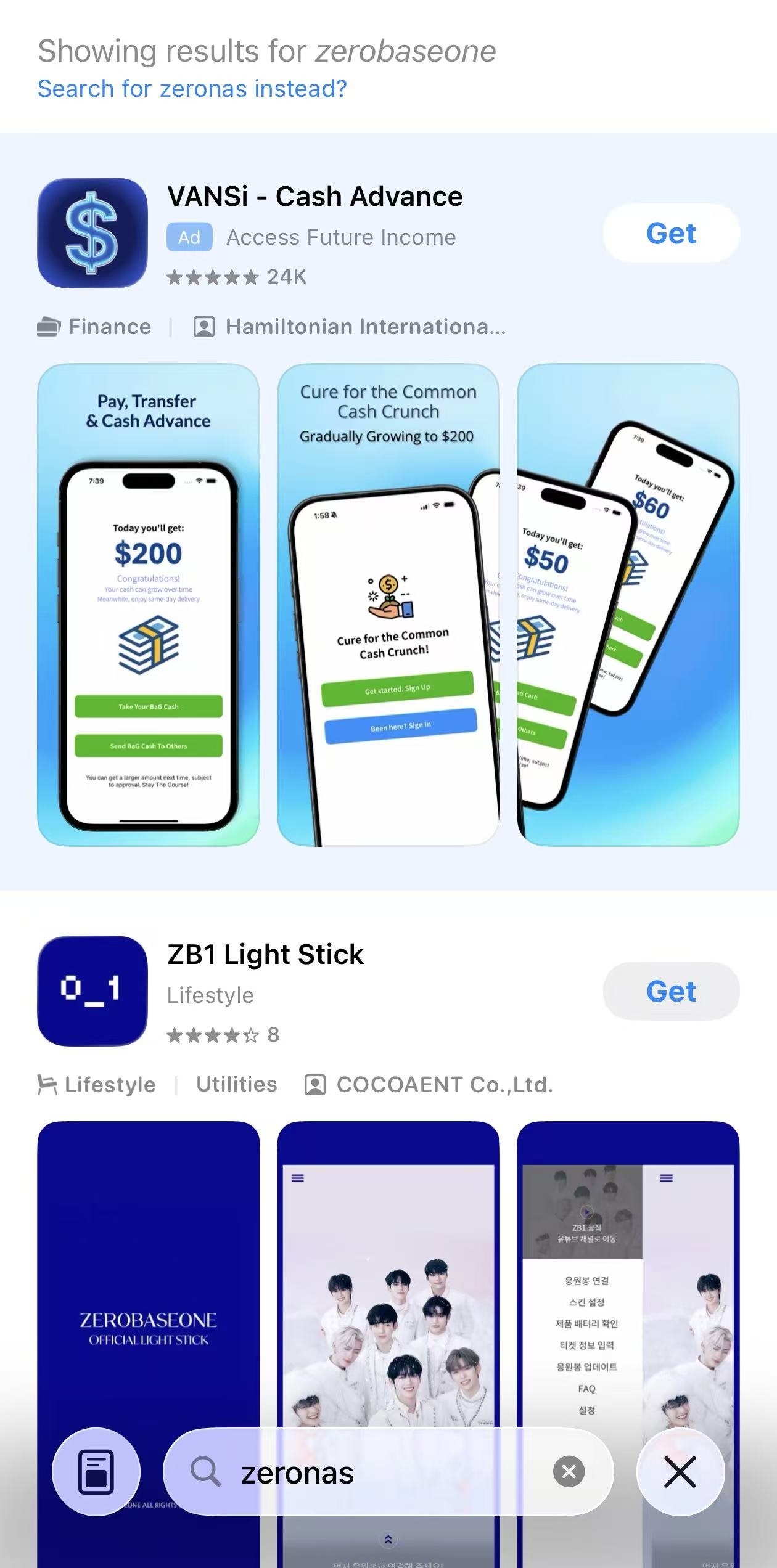
Note: When searching on the App Store, auto-correct might change your query and
hide the results. If this happens, just tap "Search for zeronas instead" as
shown in the image below.
-
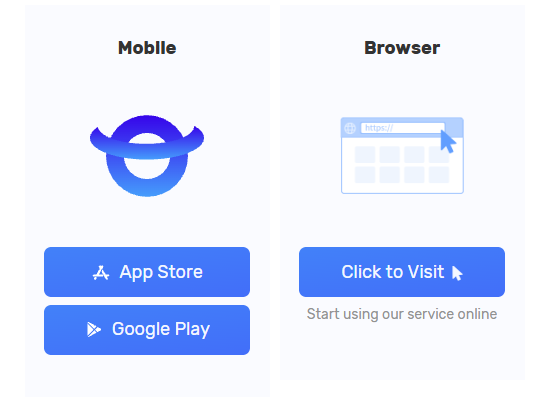
Download it directly from our official website's
download page.
-
Search for ZeroNAS on the App Store or Google Play.
Note: When searching on the App Store, auto-correct might change your query and
hide the results. If this happens, just tap "Search for zeronas instead" as
shown in the image below.
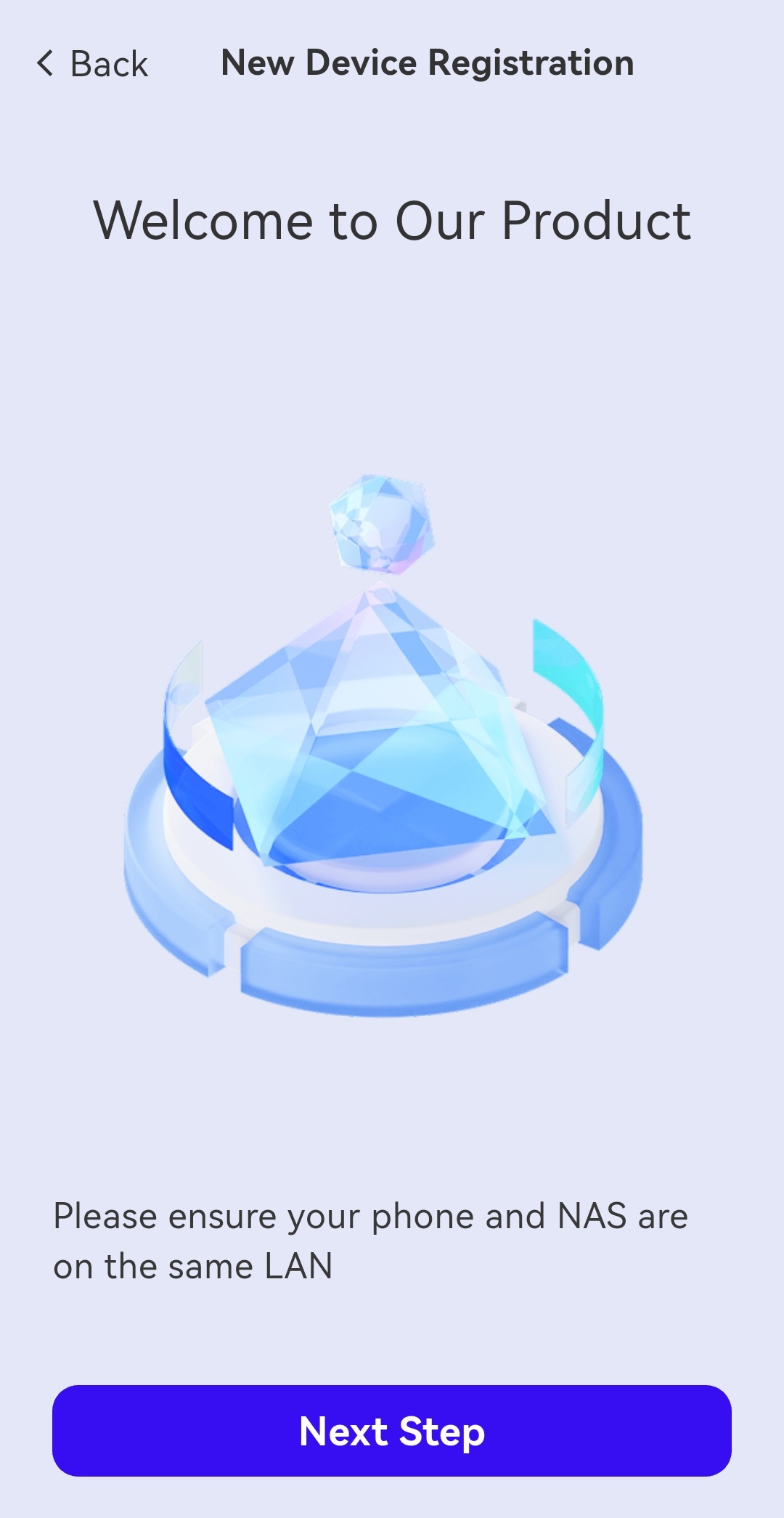
- After installing the app, ensure your phone and the NAS are on the same local network (LAN).
-
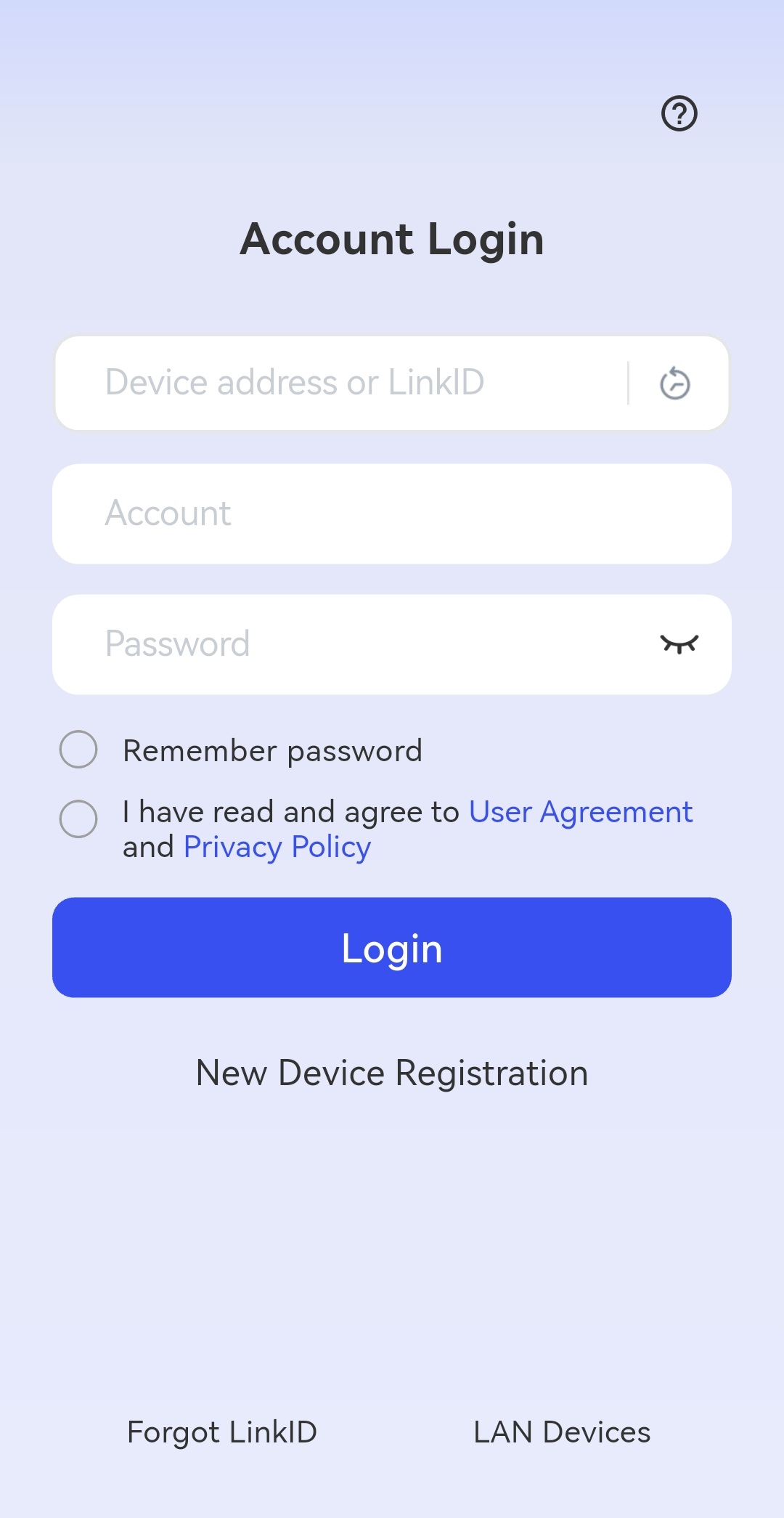
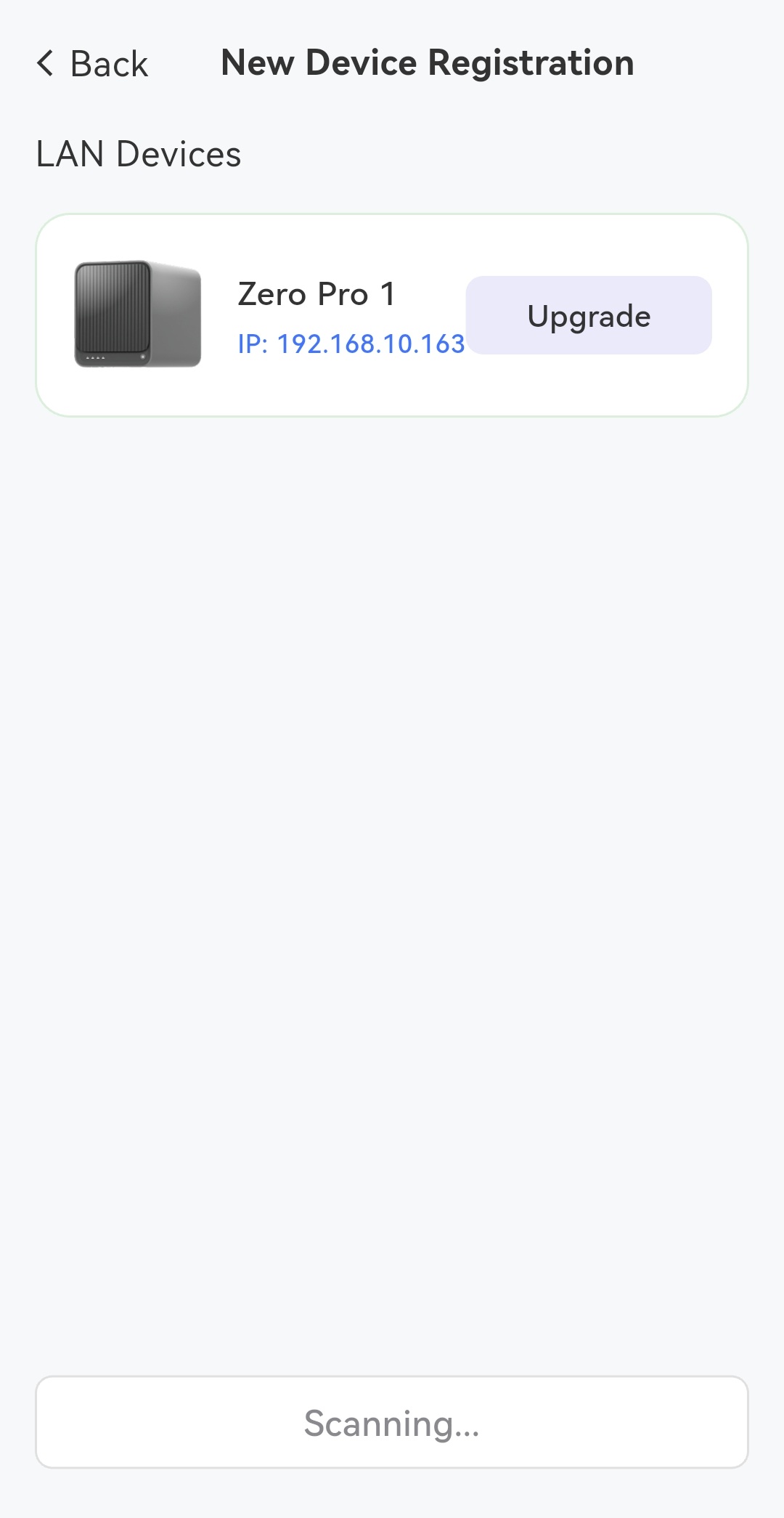
Click "New Device Registration" to start the process and select your device.
-
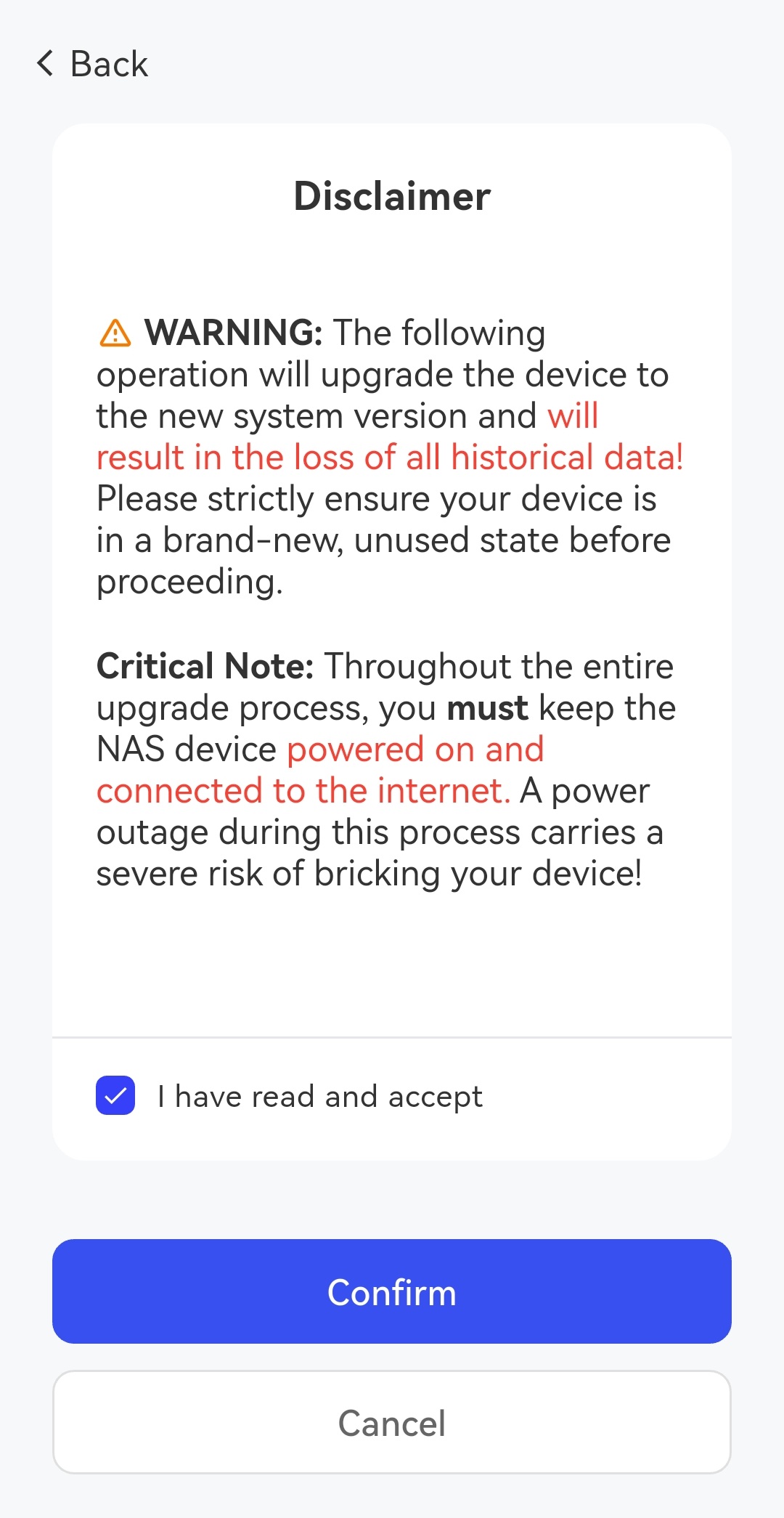
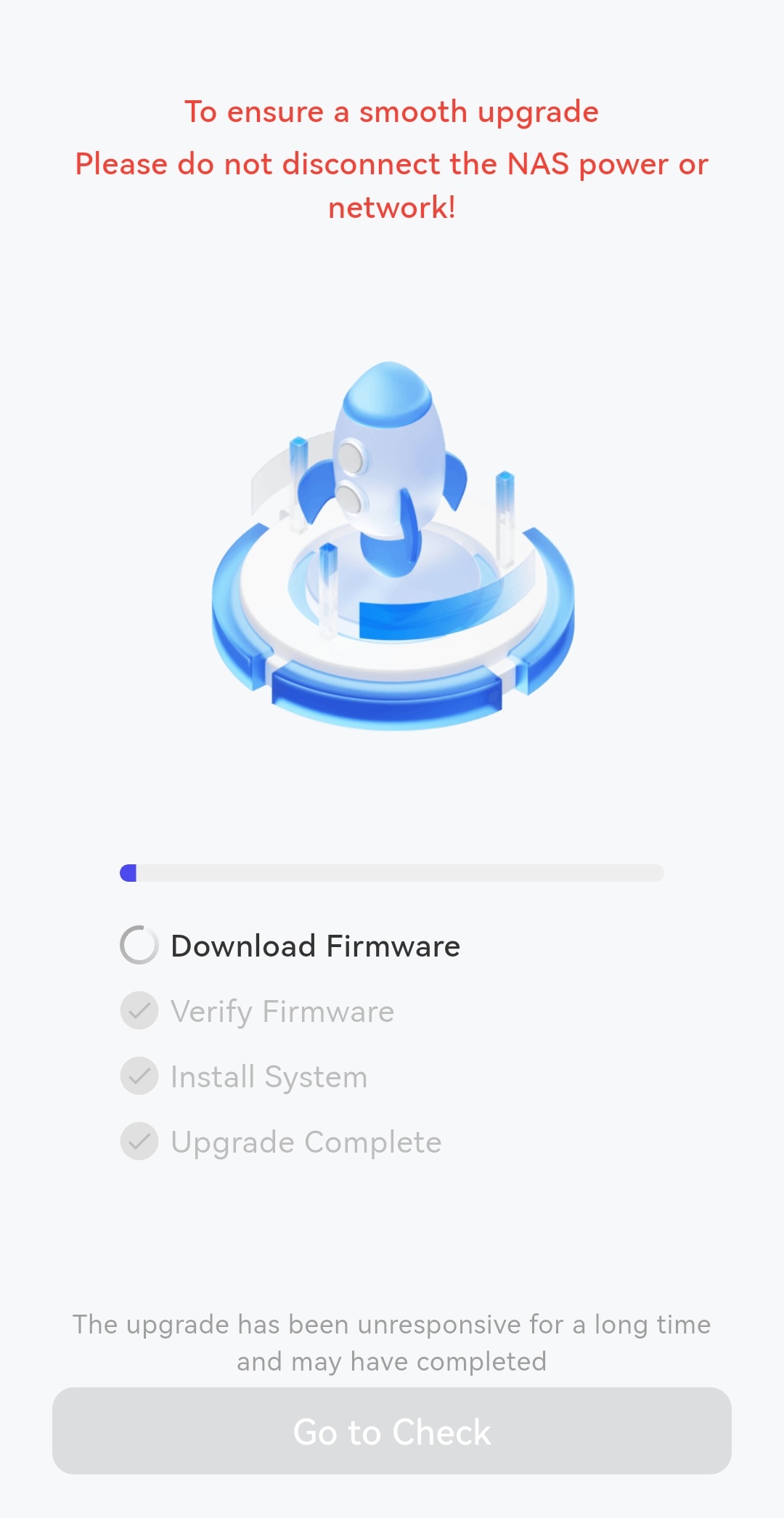
The system will automatically detect the device and complete the upgrade. The time
required depends on your network speed.
-
If the above methods do not solve your problem, you can contact on WhatsApp.